
AI in Design: How Artificial Intelligence Is Changing Creative Careers
- By WUD Editorial Team
- November 12, 2026
Artificial intelligence is no longer something that belongs only to technology-driven industries. It is increasingly becoming part of how people think, create, research and solve problems across creative fields. From generating early visual concepts to analysing user behaviour, AI is changing several stages of the design process.
For designers, this does not simply mean learning a new set of software. It means understanding how technology can work alongside creative thinking, design judgement and human understanding. As AI becomes more accessible, the ability to use it thoughtfully is becoming an important part of preparing for the future of design careers.
AI in Design: An Introduction
AI in design refers to the use of artificial intelligence to support different stages of the creative process, from generating ideas and analysing information to creating variations and developing prototypes. Generative AI, machine learning and automation are becoming increasingly common in modern creative workflows, helping designers explore possibilities and work more efficiently.
The growing role of artificial intelligence in design does not mean that creativity is being fully automated. In an AI-assisted workflow, designers use technology as a support tool while continuing to define the problem, guide the creative direction and evaluate the results. This is different from fully automated design, where technology produces an outcome with limited human involvement.
As AI and design continue to evolve together, designers need to understand how AI-enabled workflows can complement their skills. Knowing when to use technology and when human judgement, context, originality and creative thinking should lead the process will become increasingly important across AI in creative careers.
How Is Artificial Intelligence Changing the Design Industry?
AI is changing the design industry by making certain parts of the creative process faster and more flexible. Designers can explore more possibilities in less time, test ideas earlier and spend less time on repetitive production tasks.
Some of the major changes include:
- Faster ideation: AI can help designers explore multiple concepts, visual directions, compositions and references during the early stages of a project.
- Automated repetitive tasks: Tasks such as background removal, image resizing, basic editing, categorisation and data processing can often be streamlined.
- Rapid visualisation: Designers can turn rough ideas or written descriptions into visual references much faster, making early discussions more concrete.
- Personalisation: AI can help create or adapt experiences for different audiences by analysing user behaviour and preferences.
- Data-driven decision-making: Large datasets can be analysed to identify patterns that may inform design decisions.
- Faster prototyping: Designers can test different versions of a product, interface or visual concept before investing significant time in production.
- Human-AI collaboration: Designers can use AI as a collaborator for exploration, research and iteration while retaining creative control over the final outcome.
These changes are influencing not only how designers create but also how they research, experiment, communicate ideas and move from an initial problem to a finished solution.
How AI Is Used Across Different Design Fields
The application of AI varies considerably depending on the design discipline. A tool that is useful for a graphic designer may have a completely different role in architecture or UX design. In each field, AI is being incorporated into specific parts of the workflow rather than functioning as a universal replacement for the designer.
|
Design Field |
Applications of AI |
| Graphic Design | Concept generation, layouts, image creation and visual variations. AI in graphic design can support different stages of visual communication and creative exploration. |
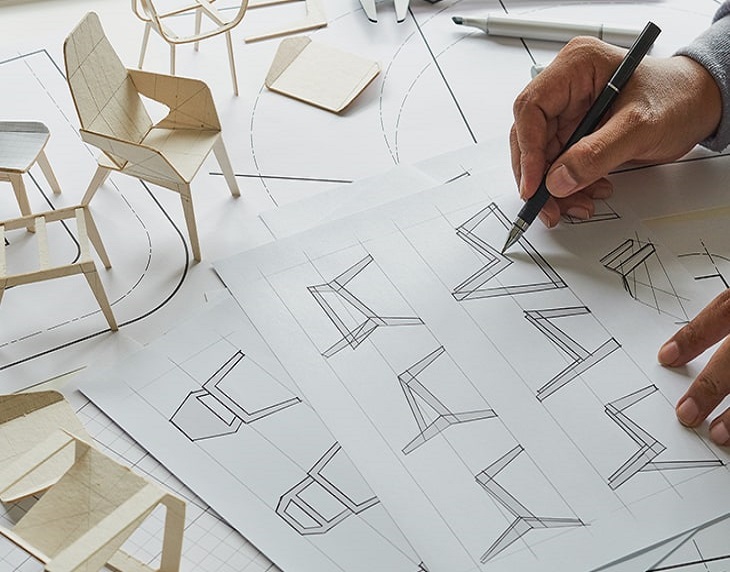
| Product Design | Ideation, prototyping and design optimisation. AI in product design can support faster exploration of possible solutions. |
| UX Design | User research analysis, wireframes and personalisation. AI in UX design can support user-centred workflows and interface development. |
| Fashion Design | Trend analysis, concept development and virtual visualisation. AI in fashion design can support research, experimentation and creative development. |
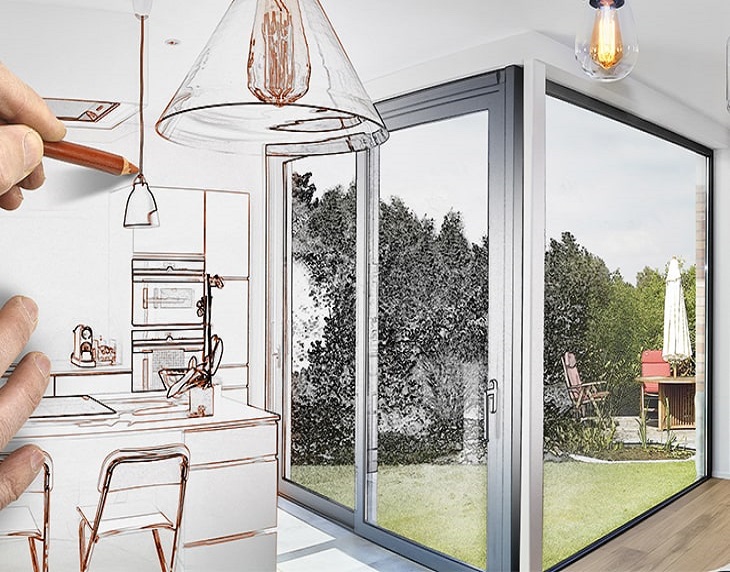
| Interior Design | Space visualisation, moodboards and material exploration. AI in interior design can help designers explore spatial possibilities at an early stage. |
| Architecture | Generative design, simulations and planning support |
| Animation and Game Design | Character concepts, environments and asset generation |
| Jewellery Design | Concept exploration, 3D visualisation and customisation |
This is why AI for designers should be understood as a broad category rather than a single skill. The technology becomes useful when it is connected to the specific requirements of a discipline and the designer’s creative process.
AI Tools Designers Are Using
Rather than focusing only on individual software names, it is useful for students and professionals to understand the different categories of AI design tools available today. Different tools support different stages of the creative workflow.
|
Tool Category |
How Designers Use It |
| Generative Image Tools | Visual concepts and moodboards |
| Text-to-Design Tools | Initial concepts and creative exploration |
| AI Writing Tools | Creative briefs and content ideation |
| AI UX Tools | Wireframes and interface concepts |
| 3D AI Tools | Product and spatial visualisation |
| AI Video Tools | Motion concepts and visual storytelling |
The important skill is not knowing every available tool. AI platforms continue to change, and new capabilities appear regularly. Designers need to understand what a tool can do, what its limitations are and where it fits within a larger design workflow.
How AI Is Changing Creative Careers
The influence of AI is also changing what it means to work as a creative professional. Designers are increasingly expected to combine visual or spatial skills with research, technology, strategy and problem-solving. This is creating new possibilities for AI in creative careers, where design knowledge and technological understanding increasingly overlap.
The designer’s role can therefore extend beyond producing a final visual or physical outcome. Increasingly, the process involves defining the right problem, directing technology, evaluating multiple possibilities and making informed decisions about the final result.
Some of the changes include:
- New AI-assisted design workflows: Designers can combine conventional design software with generative and analytical tools.
- Faster concept development: AI can help designers move from an initial idea to multiple possibilities more efficiently.
- Greater focus on creative direction: Designers need to decide which generated ideas are relevant and worth developing.
- Increased importance of problem-solving: Technology can generate possibilities but does not automatically understand the problem behind them.
- Collaboration with technology teams: Designers may work more closely with developers, researchers, data specialists and other technology professionals.
- Emergence of new creative roles: New roles are developing at the intersection of design, technology, strategy and innovation.
AI-Assisted Graphic Designer
An AI-assisted graphic designer combines traditional visual communication skills with AI-enabled tools for ideation, image generation, layout exploration and production. AI in graphic design can help streamline repetitive tasks while allowing designers to focus on visual direction, storytelling and brand communication.
Responsibilities may include:
- Developing visual concepts using AI and conventional design tools
- Creating and refining image variations
- Maintaining brand identity and visual consistency
- Evaluating AI-generated visual outputs
- Developing layouts, campaigns and communication assets
- Using AI to streamline repetitive production work
AI-Enabled UX Designer
An AI-enabled UX designer uses technology to support user research, information analysis, wireframing, interface exploration and personalisation. AI in UX design can support different stages of the UX workflow, while understanding users and their real-world needs remains central to the role.
Responsibilities may include:
- Analysing user research and behavioural data
- Developing early wireframes and interface concepts
- Testing different user flows
- Identifying usability issues
- Designing personalised digital experiences
- Combining AI insights with user-centred design principles
Computational or Generative Designer
A computational or generative designer uses algorithms, parameters and digital systems to explore complex design possibilities. This approach is particularly relevant in areas such as product design, architecture and spatial design.
Responsibilities may include:
- Creating rule-based or parametric design systems
- Exploring multiple design alternatives
- Optimising designs against defined parameters
- Using simulations and computational tools
- Developing complex forms and structures
- Balancing computational outputs with practical design requirements
Creative Technologist
A creative technologist works at the intersection of creativity and technology. The role can involve experimentation with emerging technologies, interactive experiences, AI systems, digital products and new forms of storytelling.
Responsibilities may include:
- Prototyping technology-led creative concepts
- Exploring emerging digital tools
- Collaborating with designers, developers and strategists
- Creating interactive experiences
- Testing new creative technologies
- Translating technological possibilities into user-facing experiences
AI Design Strategist
An AI design strategist focuses on how AI can be incorporated into design processes, products and organisational workflows. The role combines design thinking, technology awareness, research and strategic decision-making.
Responsibilities may include:
- Identifying suitable AI applications within design workflows
- Developing AI-enabled design processes
- Evaluating tools and their limitations
- Supporting responsible AI adoption
- Connecting business, user and design objectives
- Defining how AI can improve creative and product development processes
Will AI Replace Designers?
The question of whether AI will replace designers does not have a simple yes-or-no answer. AI can already perform or assist with several tasks that were previously carried out manually, but design involves more than producing an output. It involves understanding people, interpreting context, defining problems, making choices and taking responsibility for the final result.
The more useful question is how the relationship between designers and AI may develop. In many workflows, AI can support exploration and production while the designer remains responsible for direction, evaluation and decision-making.
|
Tasks AI Can Support |
Human Designer’s Role |
| Generate variations | Select and refine concepts |
| Create initial visuals | Define creative direction |
| Analyse large datasets | Interpret context and user needs |
| Automate repetitive work | Make strategic decisions |
| Generate design alternatives | Apply judgement and originality |
This distinction matters because an AI system can produce several technically possible solutions without necessarily understanding which one is culturally appropriate, useful, emotionally relevant or aligned with a particular brand or audience.
The value of a designer therefore increasingly lies not only in making things, but also in knowing what should be made, why it should be made and how it should work for people.
Skills Designers Need in the Age of AI
Learning AI design tools is only one part of becoming an AI-ready designer. Strong design fundamentals remain the foundation on which technology skills are built. A designer who understands composition, typography, form, colour, materials, users and context can make more informed decisions when working with AI.
Important skills include:
- Design fundamentals: Understanding principles such as composition, hierarchy, proportion, colour, form and visual structure.
- Creative thinking: Developing original ideas rather than depending entirely on generated outputs.
- Design research: Knowing how to gather, interpret and apply relevant information.
- Problem-solving: Turning complex requirements into clear design directions.
- AI literacy: Understanding what AI systems can and cannot do.
- Prompting and AI workflow skills: Communicating effectively with AI tools and integrating them into a larger process.
- Visual communication: Presenting concepts clearly through images, layouts, prototypes and storytelling.
- Critical thinking: Questioning outputs instead of accepting generated results at face value.
- User empathy: Understanding people’s needs, behaviours and experiences.
- Design ethics: Considering issues such as bias, copyright, authorship, representation and responsible technology use.
- Portfolio presentation: Showing not just the final outcome but the thinking, experimentation and decisions behind it.
The combination is important. Technology may accelerate parts of the process, but creative judgement gives the process direction.
AI in Design Education
Design education is also evolving as technology becomes more closely connected with creative practice. Students are increasingly exposed to digital tools, computational methods and emerging technologies alongside traditional studio-based learning.
A contemporary design education can include:
- AI-assisted ideation for exploring concepts and creative possibilities
- Digital design tools used across different stages of production
- Computational design and algorithmic approaches to problem-solving
- Emerging technologies such as generative AI, immersive media and interactive systems
- Interdisciplinary projects that connect design with technology, business, communication and other fields
- Human-centred design that keeps people and their needs at the centre of the process
- Ethical use of AI including discussions around originality, bias, copyright and responsible application
- Industry-oriented projects that expose students to practical creative workflows
The goal is not to turn every design student into a technologist. Instead, design education needs to help students understand technology well enough to use it thoughtfully within their chosen discipline.
Learning AI and Design at WUD
At the World University of Design (WUD), design education can be understood within this broader shift towards interdisciplinary and technology-aware creative practice. A studio-based approach gives students opportunities to develop ideas through making, experimentation, critique and iteration, while digital tools can become part of the process where they are relevant to the discipline.
For students exploring AI and design, areas of learning can include:
- Studio-based design education that develops creative thinking through hands-on projects
- Digital tools and technology integrated into contemporary creative workflows
- Interdisciplinary learning that encourages students to work across different creative and technological perspectives
- Product and UX design where technology, usability and human behaviour come together
- Animation and game design involving digital storytelling, visual development and interactive experiences
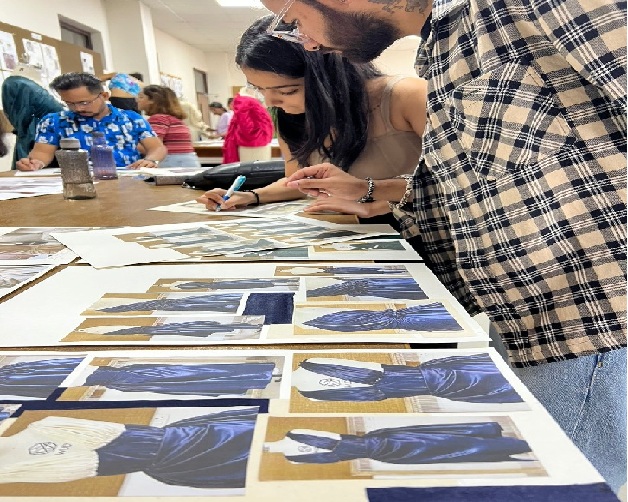
- Fashion and communication design where technology can support visualisation, research and creative development
- Portfolio development focused on documenting both process and outcomes
- Industry exposure that helps students understand how design practices operate beyond the classroom
This approach is particularly relevant as the boundaries between design disciplines and technology continue to become more fluid. For students, learning to work with technology while developing a strong individual design perspective can be more valuable than simply learning a list of software tools.
How Students Can Prepare for AI-Driven Design Careers
Students do not need to master every new AI platform to prepare for the changing design landscape. A stronger approach is to build a solid creative foundation and gradually understand where AI can add value.
1. Build strong design fundamentals
Start with the basics of your chosen discipline. Learn composition, typography, colour, form, materials, spatial thinking, storytelling or user-centred design depending on your field.
2. Learn relevant AI tools
Explore AI design tools that are directly useful to your area of design. A UX student may focus on research and interface tools, while a fashion student may explore visualisation and trend-analysis applications.
3. Experiment with AI-assisted workflows
Use AI during different stages of a project research, ideation, visual exploration, prototyping or iteration and observe where it genuinely improves your process.
4. Develop a strong design portfolio
Your portfolio should demonstrate how you think, not just what you produce. Show research, iterations, experiments, decisions and final outcomes.
5. Work on real-world projects
Projects based on real users, communities, brands or practical problems can teach you things that purely theoretical exercises cannot. They also help you understand constraints and decision-making.
6. Learn to evaluate AI-generated outputs
Not every AI-generated result is useful or accurate. Learn to check visual quality, context, usability, originality, cultural sensitivity and factual accuracy.
7. Understand copyright and ethical considerations
Learn about authorship, intellectual property, bias, privacy, consent and responsible use of AI-generated material. These considerations are becoming increasingly relevant to creative practice.
8. Continue learning as AI evolves
AI is developing quickly. Rather than becoming dependent on one platform, build the ability to learn new tools and understand new workflows as they emerge.
Future of AI in Design Careers
The future of design careers is likely to involve increasingly close interaction between human creativity and intelligent technologies. Rather than affecting one particular discipline, AI has the potential to influence research, ideation, prototyping, production and personalisation across many areas of design.
Some areas that are likely to continue developing include:
- Human-AI collaboration: Designers working alongside AI systems as part of everyday creative workflows.
- Personalised design: Experiences and products adapted to different users, contexts and behaviours.
- Generative design: Systems exploring large numbers of possible solutions based on defined parameters.
- AI-powered research: Faster analysis of user, market, visual and behavioural information.
- Immersive experiences: New applications of AI across virtual, augmented and interactive environments.
- Virtual and digital products: Increasing design activity around digital objects, environments and experiences.
- Automated prototyping: Faster movement from concepts to testable design models.
- Hybrid creative-technology roles: Roles combining design, AI, strategy, technology and research.
For designers, this means that adaptability may become just as important as mastering a particular tool. The technologies will continue to change, but the ability to understand people, identify problems, develop ideas and make thoughtful design decisions will remain central to creative practice.
Conclusion
AI in design is changing how designers work, making creative processes faster, more flexible and data-informed across fields such as AI in graphic design, AI in fashion design, AI in product design, AI in interior design and AI in UX design.
The future of AI in design is not about choosing between technology and creativity. It is about using artificial intelligence in design thoughtfully while bringing human judgement, originality and problem-solving to the process. As AI and design continue to evolve, understanding AI design tools and developing strong design fundamentals can help students prepare for AI in creative careers, AI for designers and the future of design careers.
Frequently Asked Questions
AI in design refers to using artificial intelligence to support creative processes such as research, ideation, visualisation, prototyping, personalisation and production. It can assist designers while leaving creative direction and decision-making to people.
Artificial intelligence in design is making several design processes faster by supporting ideation, repetitive tasks, visualisation, research, personalisation and prototyping. It is also encouraging designers to work more closely with technology and data.
AI can automate or assist with certain tasks in AI in graphic design and AI in UX design, but design also requires user understanding, creative direction, context, problem-solving and judgement.
Students should prioritise relevant AI design tools rather than trying to learn every available platform. Generative image, UX, writing, 3D and video tools can each support different stages of a creative workflow.
Design fundamentals, creative thinking, research, problem-solving, AI literacy, prompting, visual communication, critical thinking, user empathy, ethics and strong portfolio presentation will remain valuable for AI for designers and evolving creative roles.
Understanding AI and design can help students become familiar with emerging creative workflows and technologies. However, AI skills work best when combined with strong design fundamentals, independent thinking, experimentation and an understanding of users and context.
Explore Our Programmes
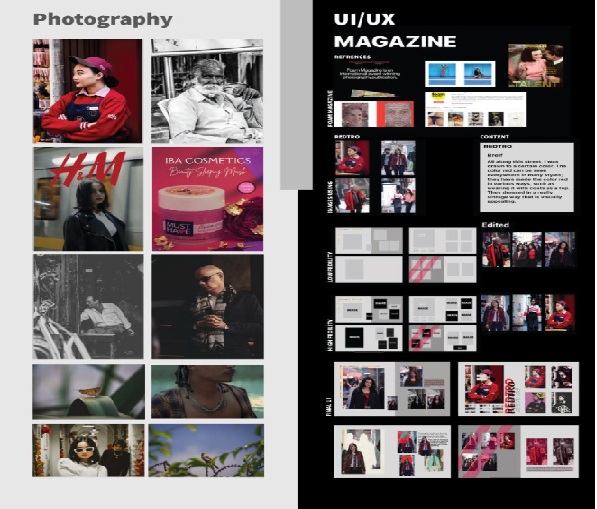
B.Des in Communication Design
Explore visual storytelling for brands, media
and digital platforms.
Bachelor of Architecture (B.Arch)
Council of Architecture approved 5-year
studio curriculum.